Customer Login

Every laptop in your office tells a story: emails sent, deals agreed, projects completed. When that device finally reaches the end of its life, simply throwing it away isn’t an option.
Old laptops and computers count as waste electrical and electronic equipment (WEEE) and must therefore be handled by specialist recyclers to protect sensitive data, comply with regulations and recover valuable materials. For many businesses, the first real question is simple: what actually happens to laptops during the recycling process?
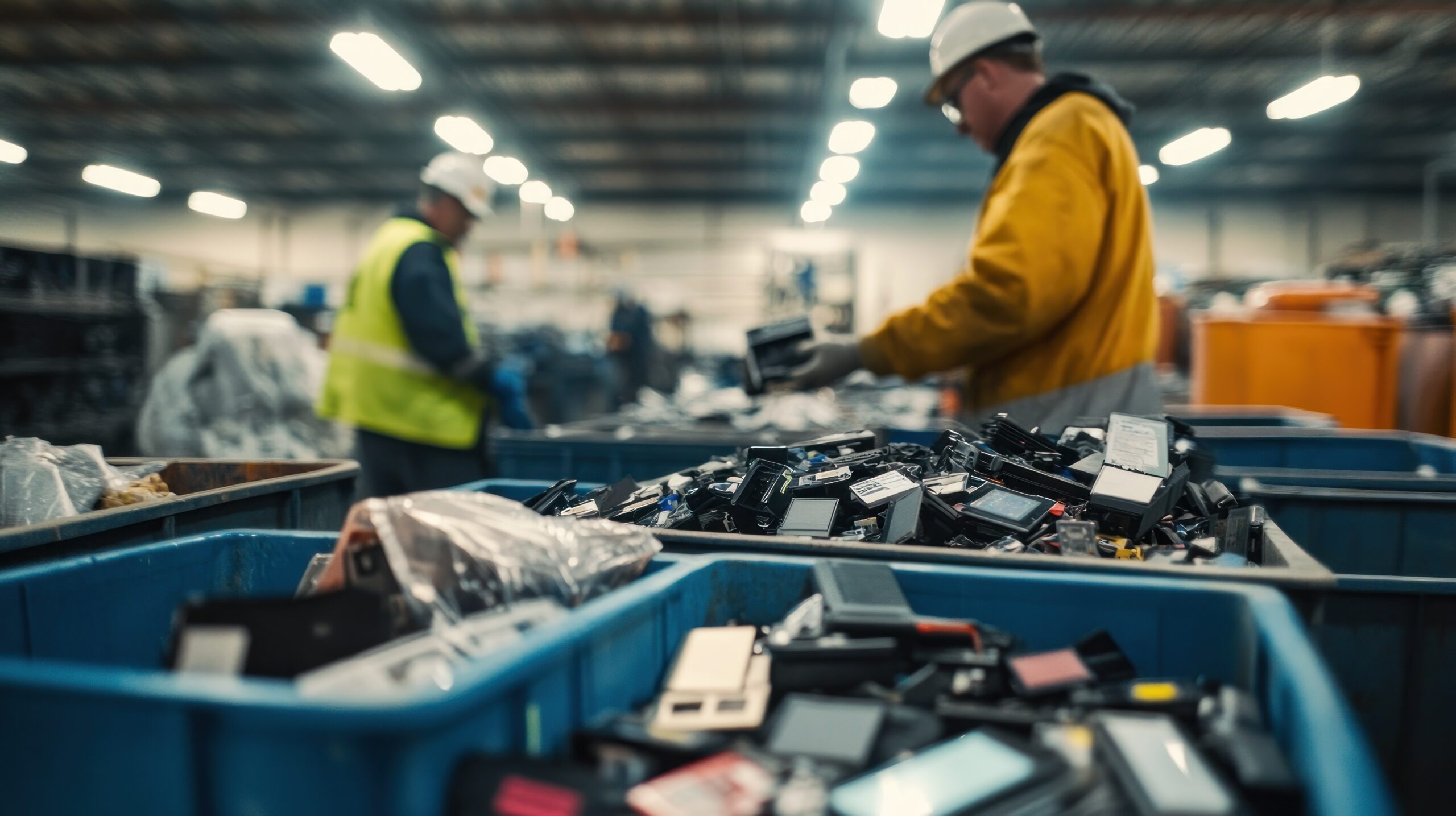
What happens to recycled laptops?
Step 1: Collection, asset audit and secure logistics
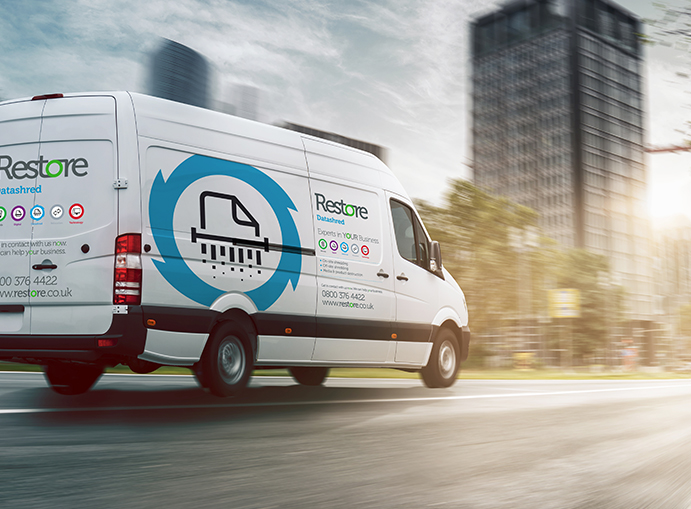
The laptop recycling journey starts when your organisation books a collection with a specialist confidential waste management partner, like Restore Recycle. The provider will collect redundant devices from your sites, often alongside other IT equipment.
Each laptop is logged in an asset register, capturing details such as serial numbers, make, model and condition. This asset audit supports GDPR accountability and WEEE reporting later on. Devices are then loaded into secure, sealed containers or vehicles with GPS tracking and tamper-evident seals.
Our accreditationsStep 2: Data sanitisation – wiping or physical destruction
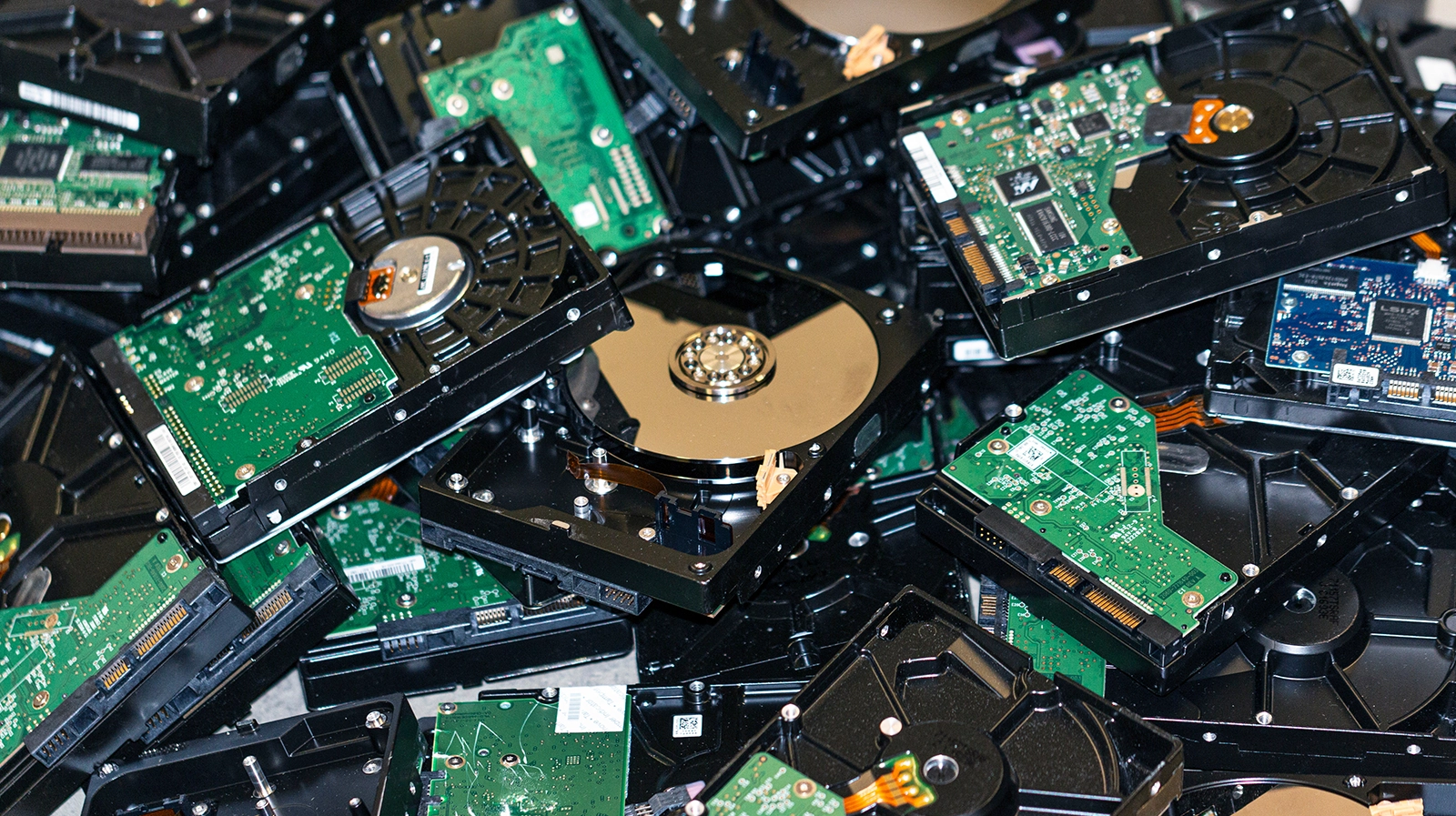
Safeguarding data privacy is a priority before anything is reused or recycled. Under data protection law, your organisation must ensure that confidential information on laptops can’t be recovered. Depending on your policy and the device’s condition, recyclers will typically use one or more methods:
- Certified data wiping
- Degaussing
- Physical destruction
For high-risk devices, compliance can be guaranteed by choosing services where assets are shredded into unrecognisable particles and accompanied by certificates of destruction.
Step 3: Reuse, refurbishment and redeployment
Once the data is securely dealt with, laptops are assessed to see if they can be reused. This is usually the most sustainable outcome. Where possible, recyclers, Test key components, Replace or upgrade parts, Install a clean operating system. Refurbished laptops may then be redeployed within your organisation, sold into secondary markets, or donated via social value programmes.
Restore RecycleStep 4: Component harvesting
Not every laptop is suitable for refurbishment, but that doesn’t mean it has no value. For instance, non-working or outdated devices can be dismantled by technicians to recover usable components such as:
- Memory modules and storage drives
- Power supplies, screens, keyboards and trackpads
- Chargers and docking stations

Step 5: Materials separation and specialist recycling
After reusable parts are removed, the remaining laptop shells and internal assemblies move to mechanical treatment and materials recovery. Typical stages include: Shredding > Magnetic and eddy-current separation > Density and optical sorting > Battery and hazardous component treatment. Metals such as aluminium, steel and copper go back into manufacturing supply chains, whereas certain plastics can be recycled into new products.
IT RecyclingStep 6: Certification, reporting and compliance
For corporate IT, the final step is just as important as the physical process. Your recycling partner will typically provide:
- Certificates of destruction
- Asset reports
- Environmental reporting
These records help demonstrate compliance with GDPR, UK WEEE Regulations and internal sustainability reporting.
How does computer recycling work?
Step 1: Collection and segregation by device type
Desktops, monitors, servers and peripherals are often collected in bulk. Devices are then sorted into categories such as base units, screens and accessories.
Step 2: Data destruction and asset tracking
Hard drives and SSDs inside desktop units must be securely wiped or destroyed before the recycling process can proceed. Organisations often expect serial-number level reporting that ties each drive to a destruction method.
Step 3: Manual dismantling of towers and peripherals
Desktop towers are larger and more modular, so recyclers often dismantle them manually before mechanical treatment.
Step 4: Shredding, separation and materials recovery
Once reusable parts are removed, the remaining cases and assemblies are shredded, with automated systems deployed to separate metals, plastics and circuit boards.
Step 5: Documentation, compliance and circular-economy benefits
Finally, businesses receive documentation confirming what’s been recycled, how data has been handled, and which regulations the process complies with.
Do it the right way
Handled properly, recycled laptops and desktop computers are securely sanitised, reused where possible, and broken down into raw materials that feed back into new products.Partnering with a specialist recycler like Restore Recycle is a practical way to tighten data security, cut waste and demonstrate environmental responsibility. Reach out to us for any e-waste disposal or recycling needs, and we’ll be happy to point you in the right direction.
Get in touchRecent news